
Build a Phone Empire: Controller Support and Supported Devices
Which devices Build a Phone Empire plays on according to the creator, what Roblox itself runs on, and what FACTS do and do not say about controller support.
Does Build a Phone Empire support controllers?
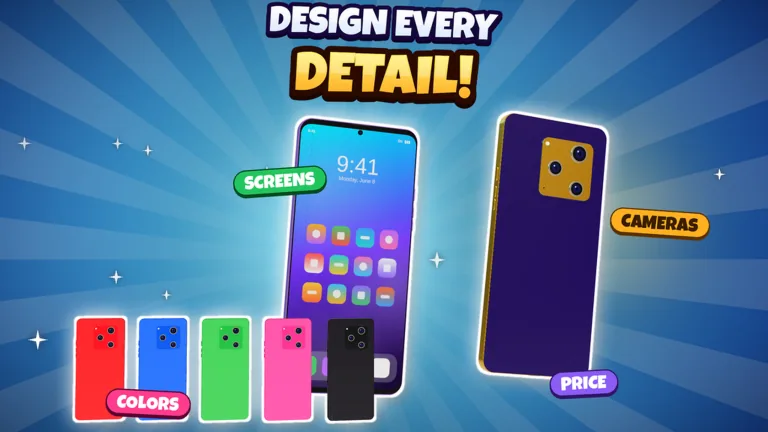
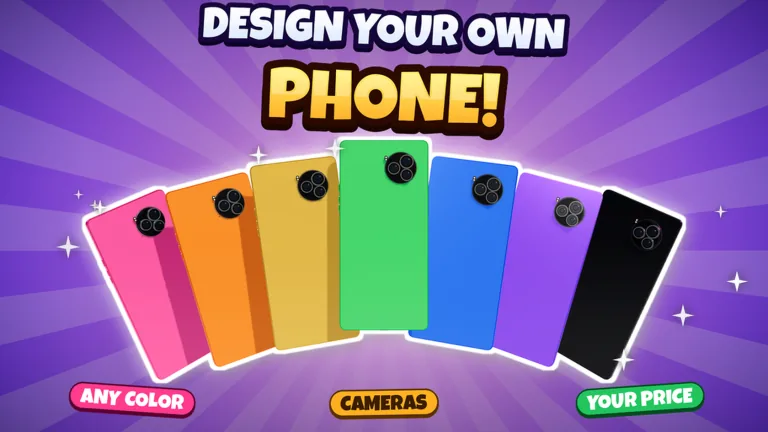
The creator's own game description says the experience "Plays on phone, tablet, console and PC," but neither the official description nor the Roblox game page states which specific devices are supported or whether controller input is fully supported. Nothing in the documented material confirms or denies controller support, so the honest answer is: test it in-game on your own hardware before relying on a controller.
What the creator says about devices
The official game page description, written by DEVTEC STUDIOS, lists among its features:
- Plays on phone, tablet, console and PC
- Your company saves automatically
- 28 goals with cash rewards
That line is the only first-party statement about devices. The Medal.tv listing for the experience repeats the same description text, including the same device line (Medal.tv), but it is quoting the creator rather than adding new information.
Mapping the categories to Roblox platforms
Roblox itself runs on Windows, Mac, iOS, Android, Xbox and PlayStation. Read against that list, the creator's four categories line up roughly like this:
- "Console" would mean Xbox and PlayStation, the two console platforms Roblox runs on.
- "PC" would mean Windows and Mac.
- "Phone and tablet" would mean iOS and Android.
This is an interpretation of the creator's wording against the Roblox platform list, not a per-device support statement from DEVTEC STUDIOS. The facts do not include a Nintendo Switch version, and Switch is not listed as a Roblox platform, so there is no basis for claiming one exists.
What the game page does not say
The Roblox game page for this experience does not break device support down device by device. It also does not say which controllers work, whether a gamepad is fully mapped, or whether touch, mouse-and-keyboard and controller inputs are all supported equally. Any claim beyond "phone, tablet, console and PC" would be undocumented.
Controller support: what is and isn't confirmed
No official statement in the documented material addresses controller support. The creator's "console" claim implies the experience is meant to be playable on console hardware, but the facts do not specify button layouts, supported controller models or whether every menu works with a gamepad.
If controller play matters to you, the practical step is to launch the experience on your device and try the controller there, rather than assuming full support.
Practical takeaway
The creator advertises four device categories, so you can pick whichever Roblox-supported device you already own: a phone or tablet, a PC, or a console. Beyond that, per-device details and controller behaviour are not officially documented and are best confirmed by testing in-game.
Related guides
Related Guides
Build a Phone Empire: Age Rating and Is It Safe for Younger Players?
What the official Roblox page for Build a Phone Empire tells parents about the game's content and Roblox's own platform rules.
Build a Phone Empire: What Languages Does the Game Support?
Whether Build a Phone Empire is available in languages other than English, based on the official Roblox game page and creator description.
Is Build a Phone Empire Safe for Kids? Roblox Age Rating
What parents and younger players should know about Build a Phone Empire's Roblox age rating, content and the group behind it.
Is Build a Phone Empire Free to Play?
Build a Phone Empire is a free-to-play Roblox experience. Here is what the official game page confirms about price and how you get in.