
How to Follow Build a Phone Empire Updates
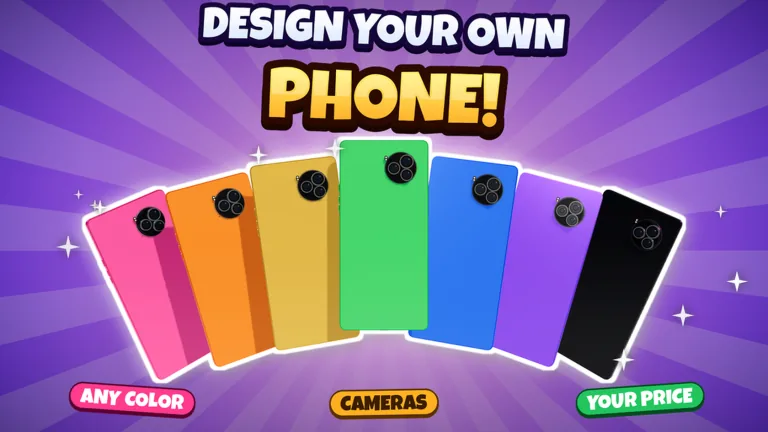
The creator asks players to like and favourite Build a Phone Empire to follow updates. See how the Roblox page signals new versions and what changes over time.
How to Follow Build a Phone Empire Updates
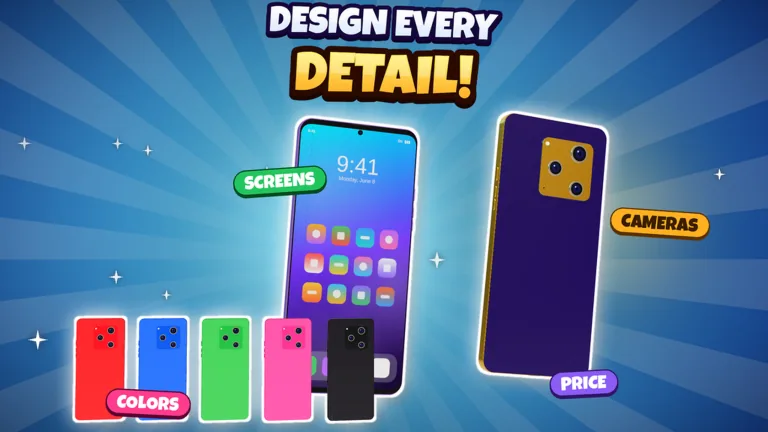
There is no officially documented feed, changelog, or patch-notes page for Build a Phone Empire, so the most reliable official signal is the game's own Roblox page: the creator asks players to "Like and favourite to follow updates," and the page carries a last-updated date you can watch for changes. Beyond that, the official documentation is thin, and most update routes are reported by third-party outlets rather than published by DEVTEC STUDIOS.
The Creator's Own Request
The official description on the Build a Phone Empire game page ends with a direct ask: like and favourite the experience to follow updates. That is the only update-following instruction the creator publishes on the page itself. The page also lists one official badge, "Welcome! : You played the game!", and notes the experience is free to play with a maximum of 8 players per server.
The Last-Updated Date as a Change Signal
Because no changelog is published, the "last updated" field on the game page is the clearest official marker of when something changed. According to the page's own listing, the experience was created on Roblox on 2026-09-22 and was last updated on 2026-11-02. Checking that date against your last visit is a simple, official way to notice that the experience has been revised, even if the specifics of a change are not documented.
The page's public stats are also updated over time. As of 2026-11-03 they read 14,522,789 visits, 5,830 playing, 98,465 favourites, 40,335 up votes and 5,514 down votes. Movement in these numbers shows activity around the game, but it does not explain what changed.
What the Official Page Does Not Publish
The Roblox page does not say which specific devices the experience supports. Roblox itself runs on Windows, Mac, iOS, Android, Xbox and PlayStation, and the creator's description says the game "plays on phone, tablet, console and PC," but the page does not map the experience to particular hardware.
No official update schedule, patch notes, or announcement archive appears in the provided official material. Treat any claim of a fixed update cadence as undocumented.
Community and Third-Party Channels
Third-party coverage points to community channels as the place updates surface. According to Pocket Tactics, joining the DEVTEC STUDIOS Roblox group is a way to connect with the developers' community, and the game has an official Discord server used for announcements and game updates. Dexerto likewise describes the official Discord server as the best place to keep up with new codes, game announcements and upcoming updates. These are third-party reports, not official documentation.
Clip-sharing sites offer an indirect view of what players are doing in the game. Medal.tv's Build a Phone Empire page collects player clips, but it is not an official update channel.
A Practical Routine
- Check the last-updated date on the official game page first.
- Like and favourite the experience as the creator asks.
- Join the DEVTEC STUDIOS group for community contact, as reported by Pocket Tactics.
- Follow the official Discord for announcements, as reported by Dexerto.
- Expect no officially published changelog until one appears.