
Build a Phone Empire: Languages and In-Game Regions
What Build a Phone Empire says about where you can sell — expanding into new regions as part of the game — and where to check the language options yourself on Roblox.
Does Build a Phone Empire have different languages or in-game regions?
The official game page does not list supported interface languages, and the creator's description does not state which languages the game is offered in. In-game regions are a different matter: the description lists "expand into new regions" as part of competing with rival companies, so regions exist as a gameplay feature. Whether the game text itself is localized into multiple languages is not officially documented on the Roblox game page or in the creator's description.
Regions are a gameplay feature
According to the creator's description, players launch products with a marketing campaign, "beat rival companies and expand into new regions." That places regions inside the business simulation loop rather than in a language or settings menu. The description does not name the regions, say how many there are, or explain what expanding into one changes.
Languages are not listed
The description's feature list covers design, office building, hiring, research, launching, leaderboards, selling the company and a Legacy bonus, plus 28 goals and automatic saving. It never mentions language options or localization. The page's platforms note is about devices, not languages, and it also says the page does not specify which devices the experience supports. As a result, it is not officially documented which languages the game interface appears in.
Where to check for language support
- The official game page, where the creator posts the description and updates.
- The DEVTEC STUDIOS group, the creator's community page on Roblox.
- Your own Roblox platform language setting, since Roblox as a platform runs in multiple languages; the game page does not say how this experience responds to that setting.
Community guides focus on codes, not languages
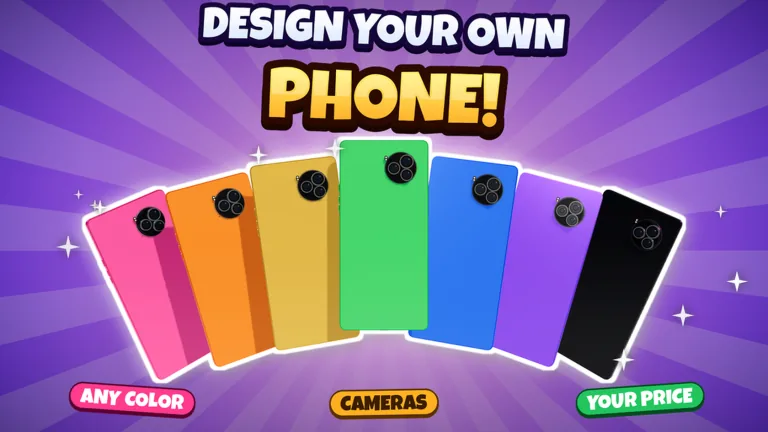
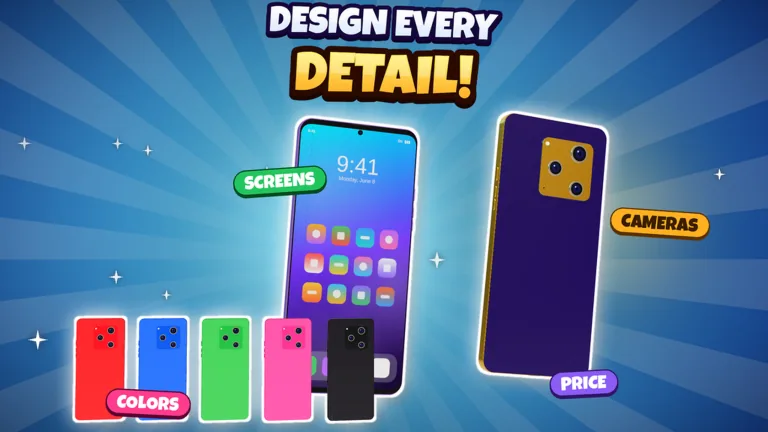
Third-party coverage of the game centers on promo codes for Cash and Research Points rather than language options. Dexerto, for example, explains that Cash covers components, office furniture, staff wages and advertising, while Research Points unlock new technology and products such as tablets, smartwatches, earbuds, foldables and laptops, according to Dexerto. Pocket Tactics likewise describes the game as a Roblox tycoon from Devtech Studios in which you start in a garage and design phones by choosing features like screen size, cameras, colors and logos. Neither of these sources, nor the creator's description, documents language support, so treat any specific language claim as unconfirmed unless the creator states it.
Related guides
Related Guides
Build a Phone Empire: Age Rating and Is It Safe for Younger Players?
What the official Roblox page for Build a Phone Empire tells parents about the game's content and Roblox's own platform rules.
Build a Phone Empire: What Languages Does the Game Support?
Whether Build a Phone Empire is available in languages other than English, based on the official Roblox game page and creator description.
Is Build a Phone Empire Safe for Kids? Roblox Age Rating
What parents and younger players should know about Build a Phone Empire's Roblox age rating, content and the group behind it.
Build a Phone Empire: Controller Support and Supported Devices
Which devices Build a Phone Empire plays on according to the creator, what Roblox itself runs on, and what FACTS do and do not say about controller support.