
Does Build a Phone Empire Save Automatically?
According to the creator, Build a Phone Empire saves your company automatically. See what the game page says about saving and what it does not guarantee.
Does Build a Phone Empire Save Automatically?
Yes, according to the creator's own description on the official Roblox game page, your company saves automatically in Build a Phone Empire. The description includes the line "Your company saves automatically" among a list of checkmarked features. Beyond that sentence, the creator does not explain how the save system works, and no other official documentation on save behavior is provided on the game page.
What the Creator Says About Saving
The automatic-save claim appears only as a bullet in the game page description, written by the creator, DEVTEC STUDIOS. The full bullet reads as a checkmarked feature: "Your company saves automatically."
- The description does not specify what exactly is saved (for example, whether office layout, device designs or research progress are stored).
- It does not describe how often a save occurs or whether there is a manual save option.
- It makes no mention of cloud saves or account-linking behavior.
Treat any details beyond the creator's single sentence as unconfirmed.
What the Game Page Does Not Specify
Because the game page only states that saving is automatic, the following points are not officially documented:
- Whether progress carries across different servers or devices.
- Whether a save can be lost, corrupted or reset by the player.
- Whether the save is tied to the Roblox account or to something else.
If you need certainty on these points for your own play, the official description is not a sufficient source, and nothing in the third-party coverage reviewed here addresses save data directly.
Where the Description Appears
The same creator-written description, including the automatic-save line, is reproduced on Medal.tv's clips page for the experience. That page quotes the description text rather than adding independent information about saving, so it should be read as a copy of the creator's wording, not a separate confirmation.
Platform Notes and Third-Party Context
The Roblox platform itself runs on Windows, Mac, iOS, Android, Xbox and PlayStation, but the game page does not say which of these devices the experience specifically supports. The creator's description does claim the game "Plays on phone, tablet, console and PC," without naming exact devices.
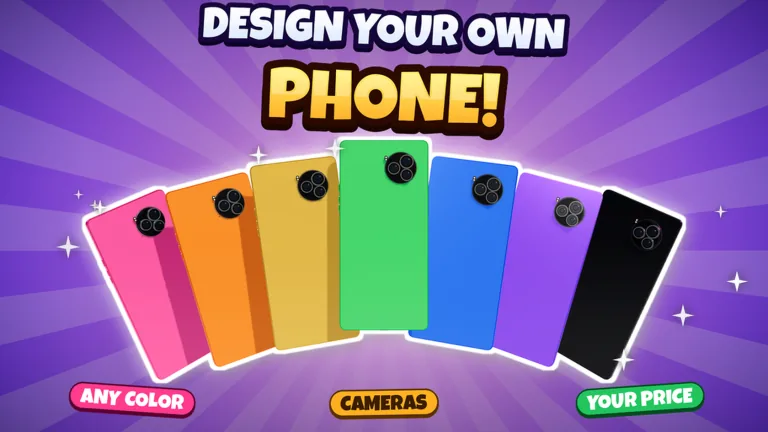
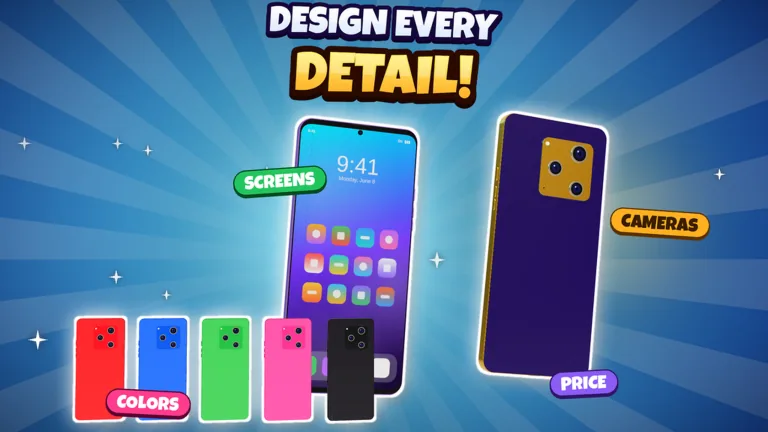
Third-party guide sites focus on codes and general progression rather than save mechanics. According to Dexerto, the game's two key resources are Cash, which covers components, office furniture, staff wages, advertising and a bigger headquarters, and Research Points, which unlock better features and new product types. According to Pocket Tactics, the game is a Roblox tycoon title from Devtech Studios in which you start in a garage and design phones by choosing features such as screen size, cameras, colors and logos. Neither source discusses saving or save data, so questions about how progress is stored remain answered only by the creator's single sentence.
Related guides
Related Guides
Build a Phone Empire: Age Rating and Is It Safe for Younger Players?
What the official Roblox page for Build a Phone Empire tells parents about the game's content and Roblox's own platform rules.
Build a Phone Empire: What Languages Does the Game Support?
Whether Build a Phone Empire is available in languages other than English, based on the official Roblox game page and creator description.
Is Build a Phone Empire Safe for Kids? Roblox Age Rating
What parents and younger players should know about Build a Phone Empire's Roblox age rating, content and the group behind it.
Build a Phone Empire: Controller Support and Supported Devices
Which devices Build a Phone Empire plays on according to the creator, what Roblox itself runs on, and what FACTS do and do not say about controller support.